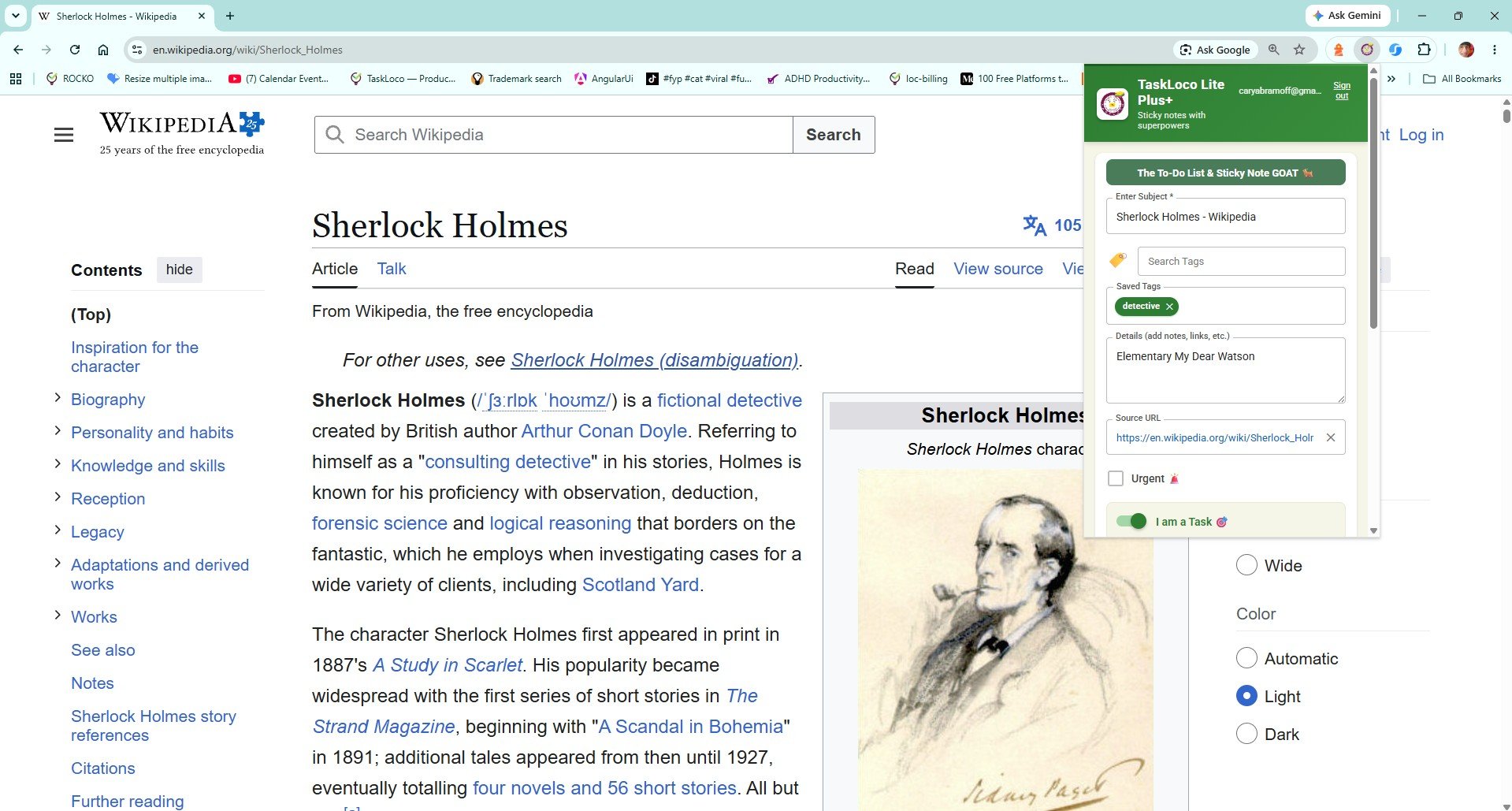
You find a great article mid-morning, tell yourself you'll read it later, and by evening it's buried under seventeen other tabs — or gone entirely because you closed the browser. This is not a discipline problem. It's a systems problem. The default ways browsers let you hold onto pages (bookmarks, open tabs, copy-pasted URLs into a notes app) are all missing the same thing: they don't preserve enough context to make the saved link feel worth returning to.
There's a reliable fix, and it doesn't require a complicated workflow. What you need is a way to capture a page the instant you see it — with the title and source URL already attached — and have it waiting for you in a visual, scannable format when you're ready to read. This article walks through exactly how to build that habit, starting with low-tech methods and finishing with the fastest approach available in a browser.
Why Saved Articles Disappear (Even When You Think They Won't)
The problem isn't that you forget to read — it's that the saving method strips away the reason you wanted to read in the first place. A bare bookmark is just a URL. No headline, no thumbnail, no note about why it mattered. When you scroll past it a week later, it looks like every other link you've ever saved and you skip it.
Open tabs are even worse. They feel urgent because they're visible, but they create a psychological debt. Every time you open your browser you see the pile, feel vaguely stressed, and eventually close them all in frustration during a cleanup session. Research you genuinely needed goes with the trash.
Copy-pasting links into a notes app is better, but adds friction at exactly the wrong moment — when you're in the middle of reading or browsing something else. That friction means you only save things that feel very important in the moment, which is not the same as what will actually be useful to you later.
A Simple System That Actually Works — No App Required
Before reaching for any extension, you can dramatically improve your save rate with a few low-tech habits:
- Use a dedicated reading folder in bookmarks. Not a general bookmarks bar, but one folder called something like To Read. The visual separation signals that these need attention. Review it once a week and move or delete items after you've read them.
- Add a note to every bookmark. Most browsers let you edit the bookmark description. A single sentence — 'productivity angle, for the newsletter' — is enough to remind you why you saved it. It takes ten seconds and cuts through the noise later.
- Email yourself the link. Old-fashioned but effective. A link in your inbox has a subject line (the article title) and sits in the same queue as things you actually act on. The downside: your inbox becomes a reading list, which creates a different kind of clutter.
- Use a read-later app like Pocket or Instapaper. These strip the article to text and queue it up cleanly. The limitation is that they disconnect the article from its original source context — great for reading, less useful if you need to cite, share, or revisit the original page.
Any of these methods works if you're consistent. The failure point is friction: the more steps between 'I want to save this' and 'it is saved,' the less likely you are to do it when you're in the middle of something else.
How a Visual Sticky Note Solves the Context Problem
The reason sticky notes work on a physical desk is that they're impossible to ignore and they hold just enough information to be self-explanatory. A digital version of that �� a note that shows you the page title, the URL, and optionally your own annotation — solves exactly what bookmarks and open tabs fail at.
When you save a page as a visual note rather than a raw link, you're preserving:
- The headline — so you remember what the article is actually about without clicking
- The source URL — so you can go straight to the original, not a cached or stripped version
- The visual context — a note on a wall you can scan the way you'd scan sticky notes on a whiteboard
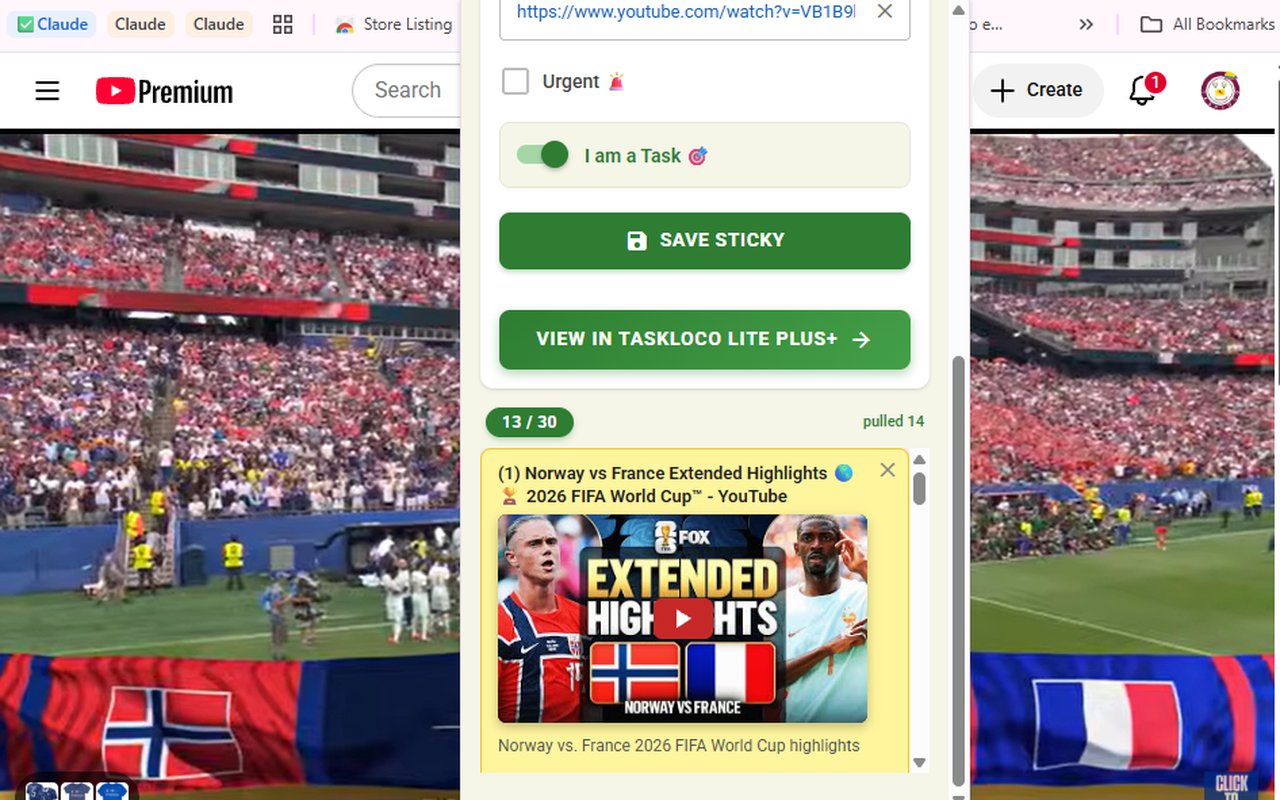
For YouTube videos, this matters even more. A saved video note that embeds the player lets you watch directly inside the note without hunting for the original tab. You saved it because you wanted to watch it — the note puts it one tap away instead of making you search again.
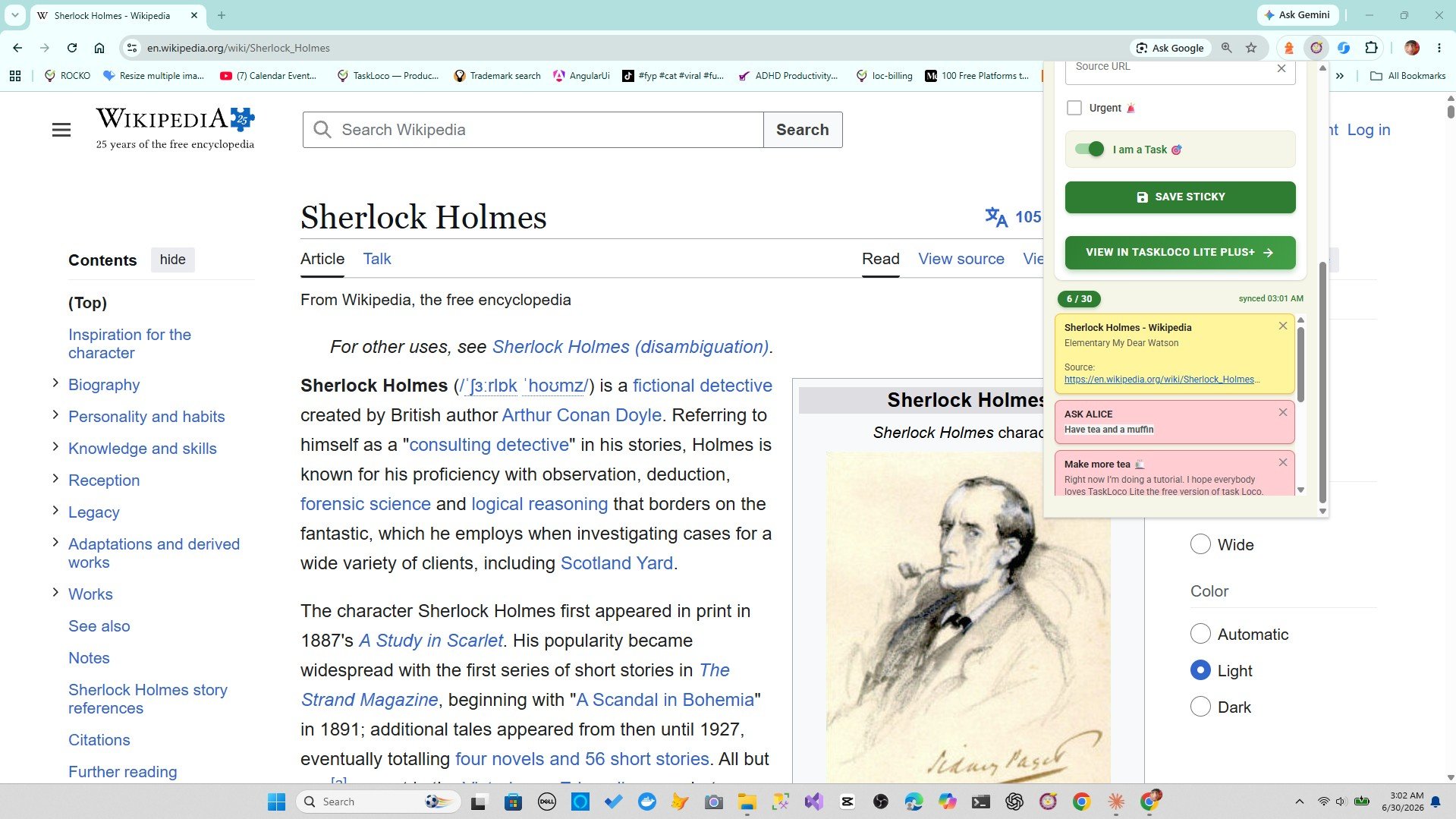
This is the workflow the Sticky Note Web Clipper is built around. One click on the toolbar icon while you're on any page — article, news story, research source, YouTube video — and it becomes a sticky note with the title and URL already filled in. You don't leave the page you're browsing. You don't open a new tab. You don't copy anything. It's just saved.
Making Your Saved Articles Actually Findable Later
Saving something is only half the job. The other half is being able to find it when you need it — which is where most systems fall apart. A folder with fifty bookmarks is nearly as bad as no system at all if there's no way to search or filter them.
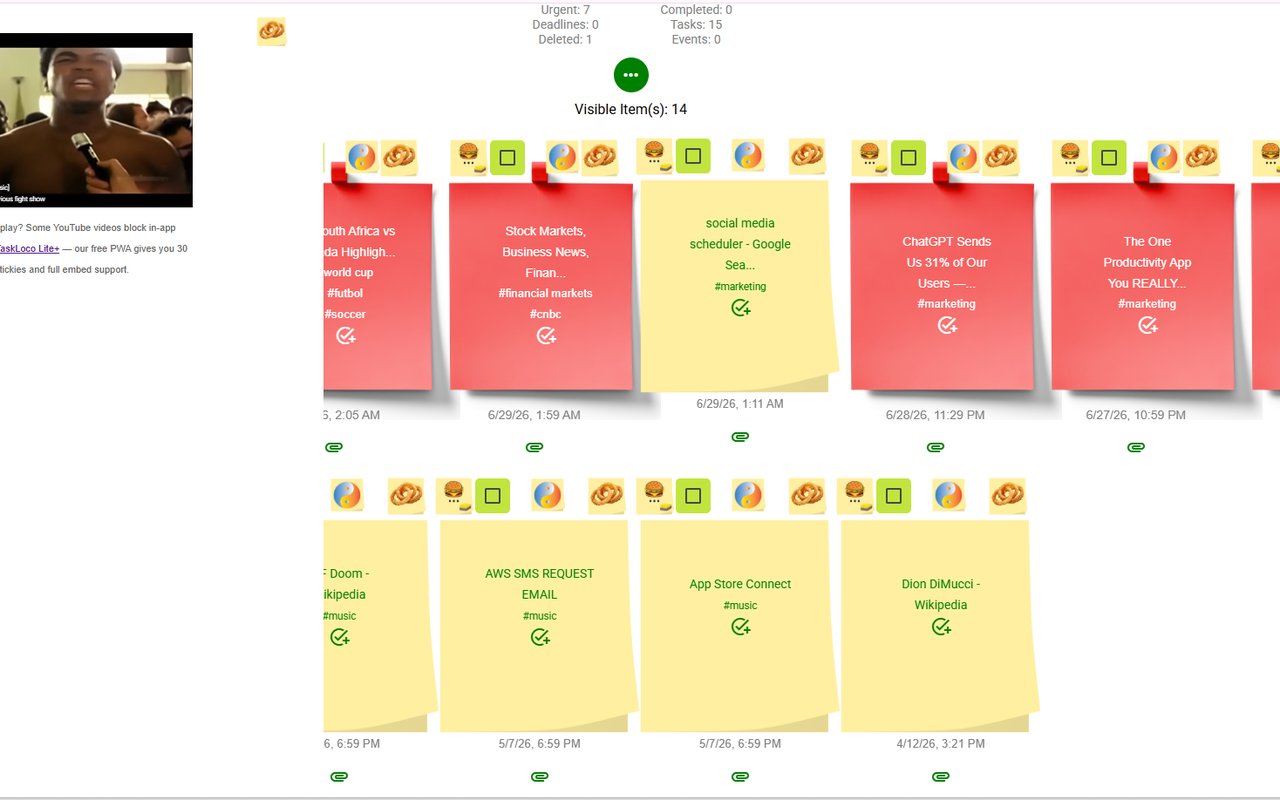
When you save pages with the Sticky Note Web Clipper, your notes land in TaskLoco — a visual wall you can search by title, tag by topic, and access from your phone, desktop, or any browser. That means the article you clipped on your laptop while researching is findable on your iPhone when you have time to read on the train.
A few habits that make the system work long-term:
- Tag as you clip. A single tag — 'design', 'health', 'work' — is enough. You don't need a taxonomy. You need just enough signal to narrow a search later.
- Keep the wall scannable. Sticky notes are meant to be seen, not buried in a list. When your wall has twenty notes on it, you'll naturally notice what's been sitting there too long and either read it or clear it.
- Let YouTube embeds play in place. If you save a video, you don't need to find the original tab. Open the note, the video is right there.
The goal is a system where 'I'll save it for later' actually means later — not 'I'll lose it in a week.' A one-click clipper that keeps the source, syncs to your phone, and lets you search by tag is as close to frictionless as that workflow gets.
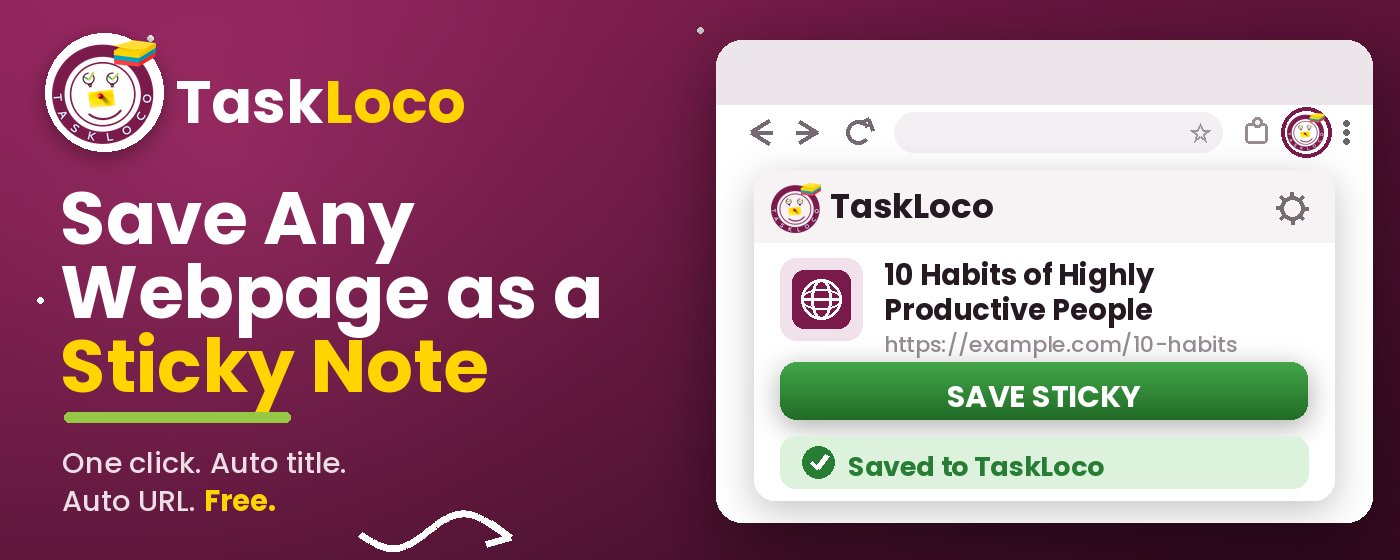
The Sticky Note Web Clipper is free. Install it from the Chrome Web Store, sign in with Google, and every page you clip becomes a sticky note you can find later.
Your clipped notes sync to TaskLoco across Chrome, desktop, iPhone, and Android — also free to start. No credit card to begin.
Get the Free Clipper
Sticky Note Web Clipper
- Free Chrome extension
- One-click save — any page, article, or video
- Title & URL auto-filled
- Tags & search
- Free forever
Synced to TaskLoco
- Sign in free with Google
- Your wall on Chrome, desktop, iPhone, Android
- YouTube videos embed & play in notes
- Visual sticky-note wall
- Free to start
Add It to Chrome — Free
One click saves any page, article, or YouTube video as a sticky note. Title and URL auto-filled.
Add to Chrome — FreeSee TaskLoco in Action
Frequently Asked Questions
What's the easiest way to save an article to read later without losing the link?
The lowest-friction method is a browser extension that saves the page as a visual note the moment you find it. The Sticky Note Web Clipper is free and does this in one click — it captures the title and URL automatically so you never have to copy anything manually. If you prefer no extensions at all, a dedicated bookmarks folder with edited descriptions (add one sentence about why you saved it) is the next best option.
Why do I keep forgetting to go back to articles I saved?
Usually because the saved link doesn't carry enough context to feel worth clicking when you see it again. A bare URL or a generic bookmark title tells you nothing about why you wanted it. When articles are saved as visual sticky notes with their actual headlines visible — the way the Sticky Note Web Clipper saves them — they're much easier to act on because you immediately remember what they're about.
Is keeping dozens of browser tabs open a good way to remember articles?
Not really. Open tabs create psychological pressure every time you open your browser, and they're usually wiped in a single cleanup session when the browser gets too slow or you restart your computer. They're better understood as a very short-term holding space — not a reading list. Moving things out of tabs and into a proper note or clipper within a few hours is a much more reliable habit.
Can I save YouTube videos the same way I save articles?
Yes — with the Sticky Note Web Clipper, saving a YouTube video creates a sticky note where the video embeds and plays directly inside the note. You don't need to find the original tab again. Just open the note and watch. This is one of the biggest practical differences between a visual clipper and a plain bookmark, which gives you only a link to click.
Will my saved articles sync to my phone so I can read them on the go?
Yes. Notes saved with the Sticky Note Web Clipper live in TaskLoco, which syncs across Chrome, desktop, iPhone, and Android. Clip something on your laptop in the morning and it's on your phone when you have time to read it later. Sign-in is free with Google.
Is the Sticky Note Web Clipper free?
Yes — the extension is completely free. TaskLoco, where your notes sync, also has a free tier. Install the extension from the Chrome Web Store, sign in with Google, and start clipping any page in one click. No credit card, no trial period.
How is this different from just using browser bookmarks?
Bookmarks save a URL and a title — that's it. There's no visual layout, no way to add context at the moment you save, and no search beyond the browser's own bookmark manager. The Sticky Note Web Clipper saves pages as visual sticky notes with the title auto-filled, displays them on a scannable wall, lets you add tags, and syncs to your phone. It's the difference between filing a link and actually keeping it somewhere you'll return to.
Born in Brooklyn. Powered by AWS. Your data stays yours.
TaskLoco is available on iPhone, Android, Chrome, and every web browser.