You find a perfect source during a late-night research session, tell yourself you'll come back to it, and wake up with seventeen open tabs and no memory of which one mattered. Every student knows this feeling. The problem isn't that good sources are hard to find — it's that saving them well takes just enough friction that most people skip it until it's too late.
Saving web pages for a class isn't complicated, but it does require a system. A bookmark folder you never look at isn't a system. A notes app you have to switch to manually isn't much better. What actually works is capturing things the instant you find them, with enough context attached that they make sense a week later when you're writing the paper or preparing for the exam.
The Core Problem: Saving a Link Is Not the Same as Saving the Context
A raw bookmark gives you a URL and maybe a page title. That's often enough to remember where something lives — but rarely enough to remember why you saved it. Two weeks later, a bookmark that says 'Nature - Climate Feedback Loops' tells you almost nothing about what you actually needed from that page.
Good course research saving has three requirements:
- The source itself — title and URL, so you can return to it and cite it properly.
- Your own note about why it matters — even a single sentence: 'Good for the counterargument section' or 'Has the 2019 dataset I need.'
- A way to group things by class or topic — not one giant pile of everything you've ever bookmarked.
Most browser bookmark systems fail on the second and third points. They're designed for sites you want to revisit (recipes, tools, news), not for building a research collection you'll mine for weeks.
A Simple Method That Works Without Any App
Before getting into tools, here's a method that works even with nothing but a browser and a plain text file:
- Keep one document per class — a Google Doc, a plain.txt file, or a note in whatever app you already use. Title it with the course name.
- Paste the URL and write one sentence immediately — don't just paste the link and move on. The sentence should explain why this source is relevant: what argument it supports, what data it contains, what section of the assignment it fits.
- Tag it loosely — even just a word in brackets like [intro], [stats], [counterargument] makes scanning the list later much faster.
- Do it the moment you find the page — not after you finish reading, not at the end of the session. The moment you decide it's worth keeping.
This works. It's low-tech and it genuinely solves the problem. The friction is that switching apps mid-research — from the browser to a doc — breaks your flow. Over the course of a long research session, that friction adds up, and things start slipping through.
If you find yourself skipping the save because switching is annoying, that's not a discipline problem. It's a workflow problem. The solution is to make saving fast enough that you never have a reason to skip it.
How to Organize What You Save by Class and Topic
Once you have a saving habit, organization is what separates a useful research archive from a pile. A few approaches that work well for students:
- One folder or board per course — don't mix your history sources with your biology sources. The separation makes retrieval fast and keeps your thinking clear when you're deep in one assignment.
- Use tags for assignment type — 'primary source,' 'background reading,' 'data,' 'citation needed' — whatever categories map to how you actually use sources in your writing process.
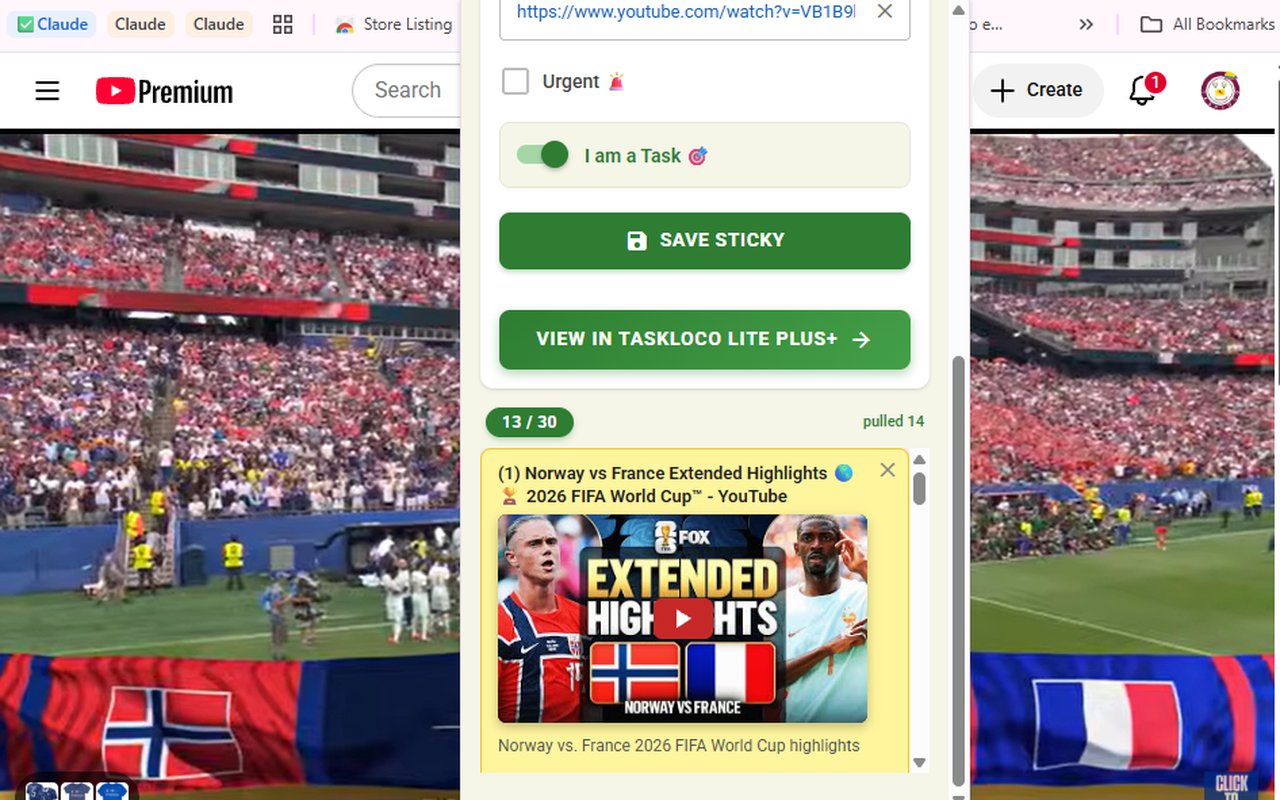
- Save YouTube videos the same way you save articles — lecture recordings, documentary clips, and explainer videos are legitimate academic sources and study aids. They need to live in your research collection, not just in a browser history you'll never find again.
- Review saved items at the start of each study session — not just when you need something. A quick scan keeps the collection fresh in your mind and often surfaces something you forgot you'd saved.
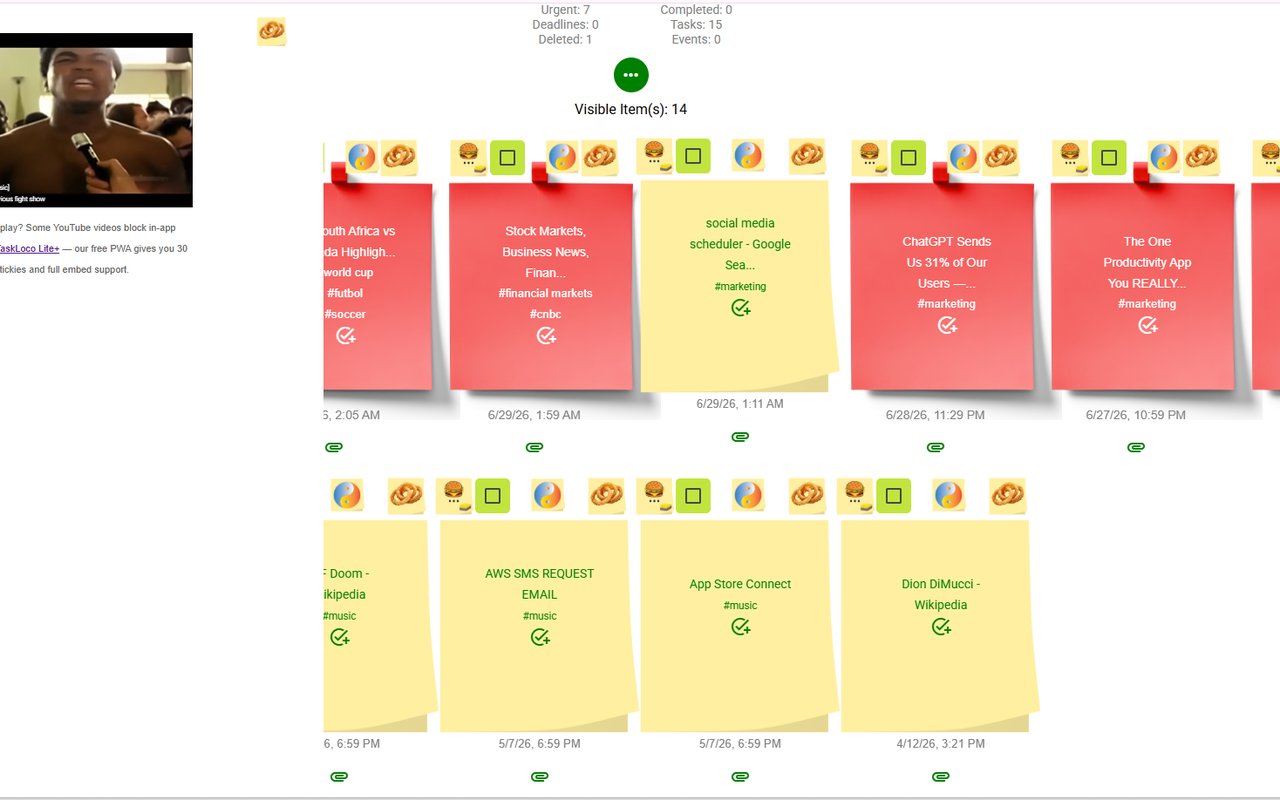
The format of your saved items matters too. A visual layout — where you can see what you've saved at a glance, not just read a list of titles — makes the reviewing step faster and more likely to actually happen. A wall of sticky notes, each showing a page title and your notes on it, is much easier to scan than a nested folder of bookmarks.
How the Sticky Note Web Clipper Fits Into This Workflow
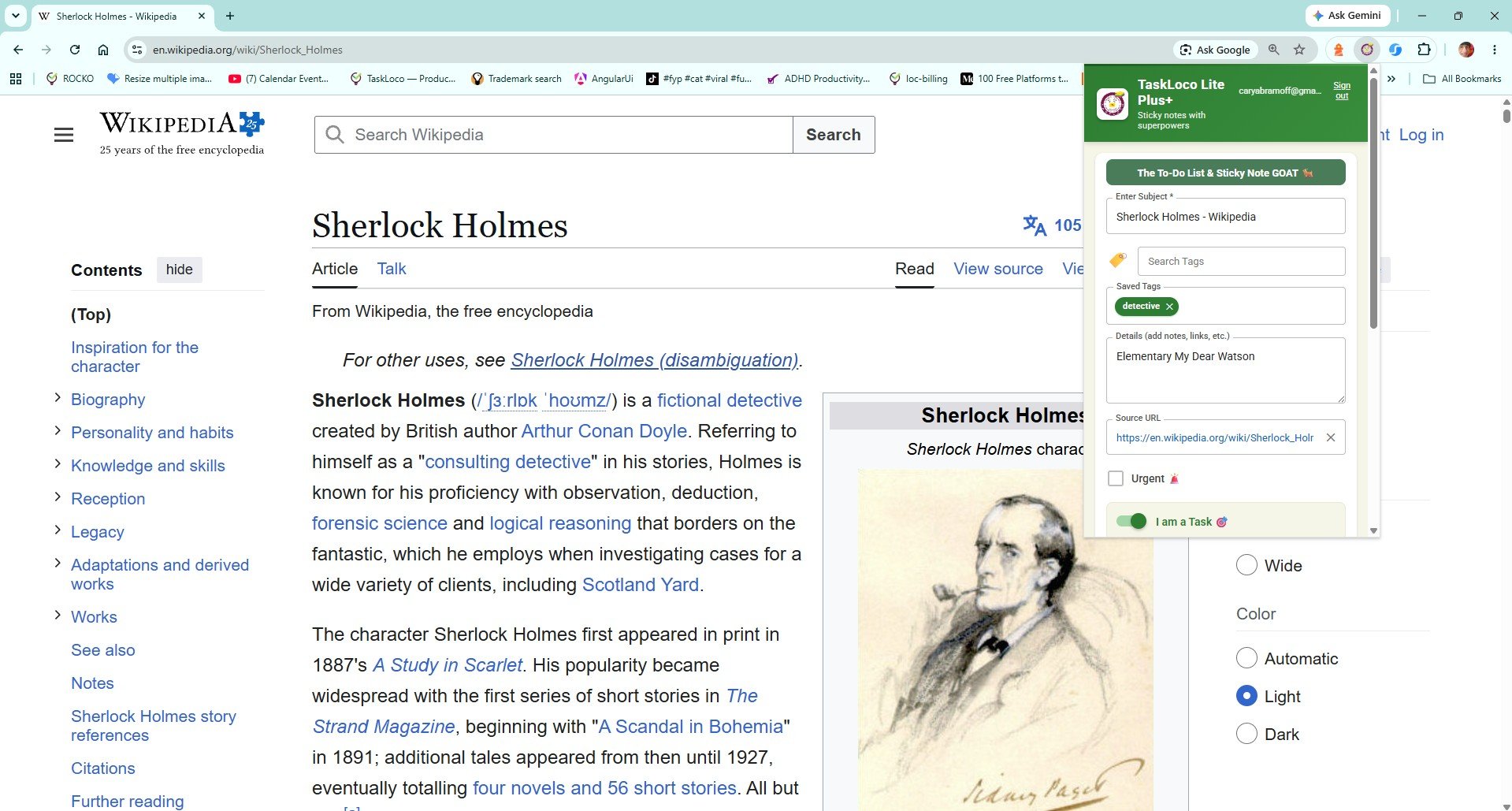
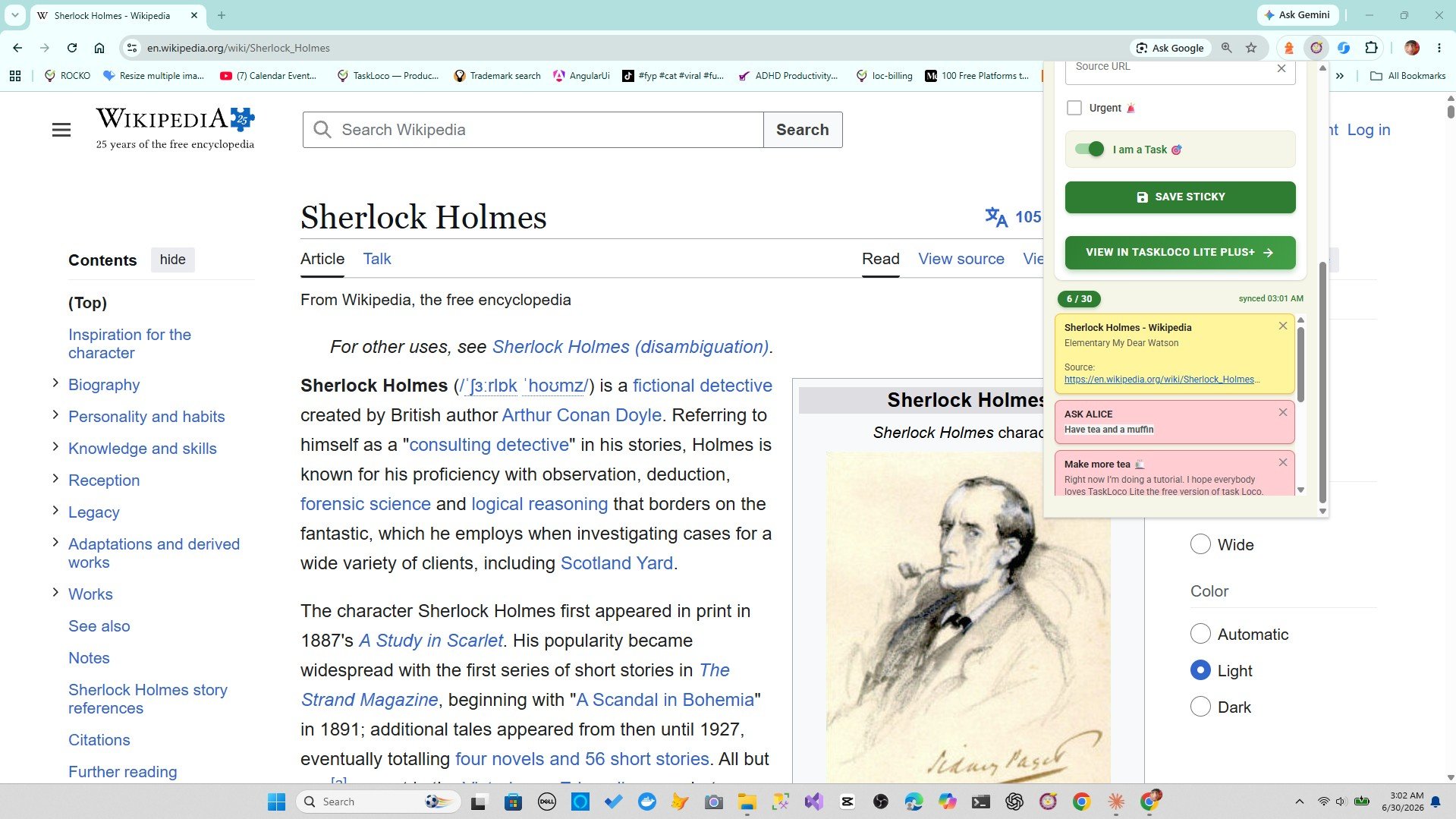
The Sticky Note Web Clipper is a free Chrome extension that turns one click on the toolbar into a saved sticky note — title and URL auto-filled, ready for you to add context in seconds. It's built for exactly this kind of fast, in-the-moment capture.
When you're in research mode — moving through tabs quickly, evaluating sources, reading and discarding and bookmarking — the clipper removes the app-switching step entirely. You find something useful, click once, add a quick note if you want, and keep moving. The note lands in TaskLoco, which you can open as a full wall of everything you've saved, organized visually by tag or topic.
- YouTube videos embed and play inside the note — so lecture clips and explainer videos live right alongside your written sources, no separate playlist needed.
- Tags and search let you find any saved item instantly, even if you saved fifty things across a semester.
- Your notes sync to your phone and desktop — so when you're writing on your laptop and remember you saved something on your phone's browser, it's already there.
You don't need to change your research habits. You just need to replace the slow, fragmented saving step with one that takes less than two seconds.
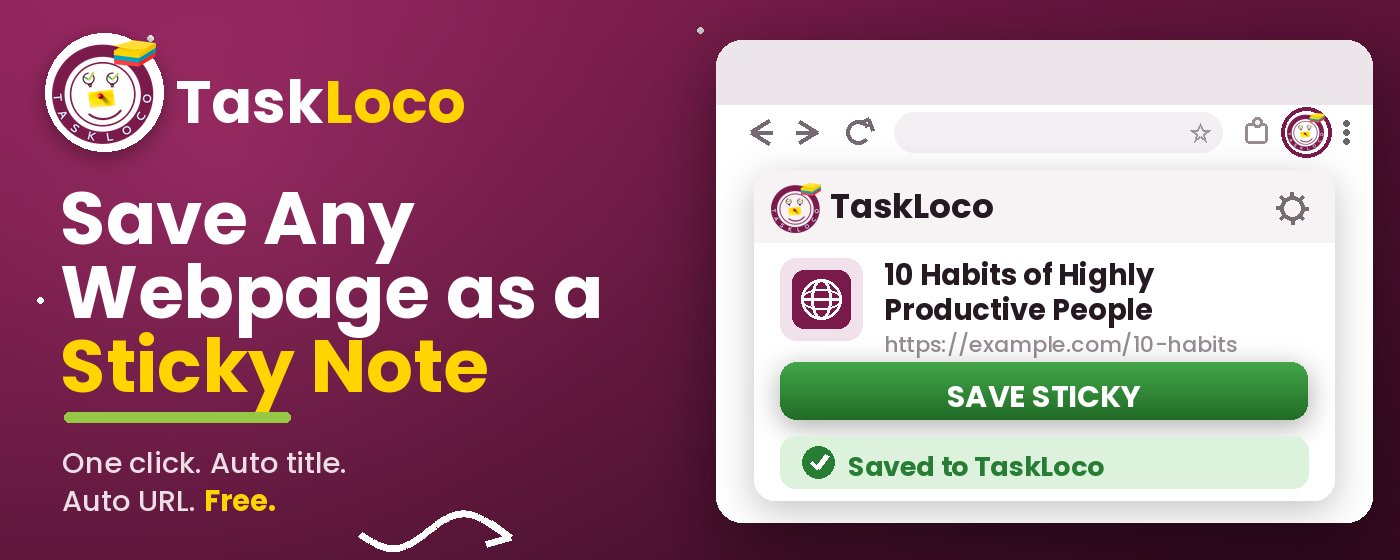
The Sticky Note Web Clipper is free. Install it from the Chrome Web Store, sign in with Google, and every page you clip becomes a sticky note you can find later.
Your clipped notes sync to TaskLoco across Chrome, desktop, iPhone, and Android — also free to start. No credit card to begin.
Get the Free Clipper
Sticky Note Web Clipper
- Free Chrome extension
- One-click save — any page, article, or video
- Title & URL auto-filled
- Tags & search
- Free forever
Synced to TaskLoco
- Sign in free with Google
- Your wall on Chrome, desktop, iPhone, Android
- YouTube videos embed & play in notes
- Visual sticky-note wall
- Free to start
Add It to Chrome — Free
One click saves any page, article, or YouTube video as a sticky note. Title and URL auto-filled.
Add to Chrome — FreeSee TaskLoco in Action
Frequently Asked Questions
What's the best way to save web pages for a research paper?
Save each source the moment you find it, not at the end of your session. Include the URL and a quick note about why you're keeping it — what argument it supports, what section of the paper it fits. The Sticky Note Web Clipper lets you do this in one click from any tab, with the title and URL auto-filled so you just add context and keep researching.
How do I save YouTube videos for class notes?
Browser bookmarks work for YouTube but give you nothing useful to look at later. The Sticky Note Web Clipper saves any YouTube video as a sticky note — and the video embeds and plays directly inside the note, so your lecture clips and explainer videos live in the same place as your written sources.
How do I organize saved pages by class or subject?
Create one board or tag per course so your sources never get mixed together. In TaskLoco — where the clipper saves everything — you can use tags to sort by class, assignment, or topic, and the visual wall layout makes it easy to scan what you have without opening every link.
Is there a free Chrome extension for saving research pages?
Yes — the Sticky Note Web Clipper by TaskLoco is free. Install it from the Chrome Web Store, sign in with Google, and you can start saving pages as visual sticky notes immediately. There's no cost and no paid plan required to use it.
Why is saving bookmarks not enough for class research?
A bookmark saves the URL but not the reason you saved it. Two weeks later, a folder full of titles tells you almost nothing about what you actually needed from each page. The Sticky Note Web Clipper saves the page as a visual note you can annotate — so you always have the source and your thinking about it in the same place.
Can I access my saved research pages on my phone?
Yes. Everything you clip with the Sticky Note Web Clipper syncs to TaskLoco, which is available on iPhone, Android, and desktop. Clip something in Chrome on your laptop and it's available on your phone the next time you open the app — no manual syncing needed.
Does the Sticky Note Web Clipper cost anything?
The extension is free. TaskLoco, where your notes are saved, also has a free tier. Install from the Chrome Web Store, sign in with Google, and start clipping — there's nothing to pay for to get the core save-and-sync workflow.
Born in Brooklyn. Powered by AWS. Your data stays yours.
TaskLoco is available on iPhone, Android, Chrome, and every web browser.